 US$
US$


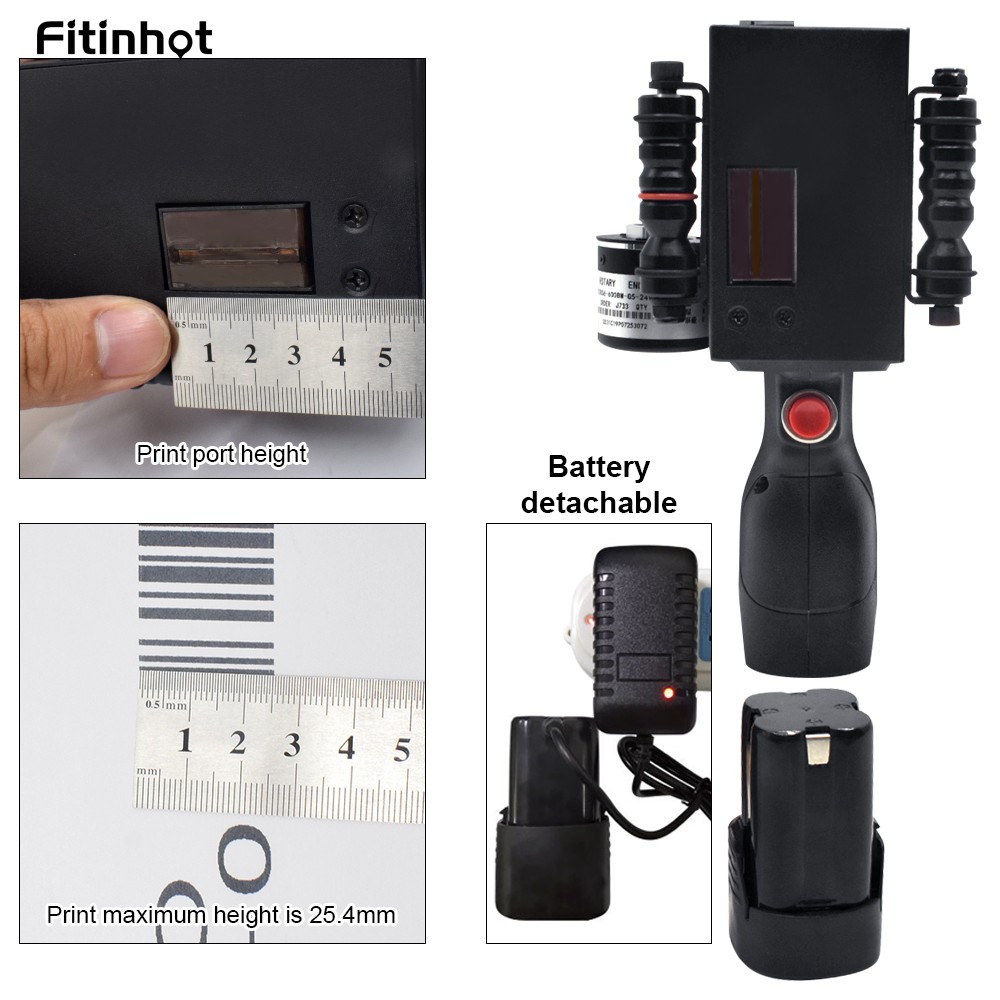
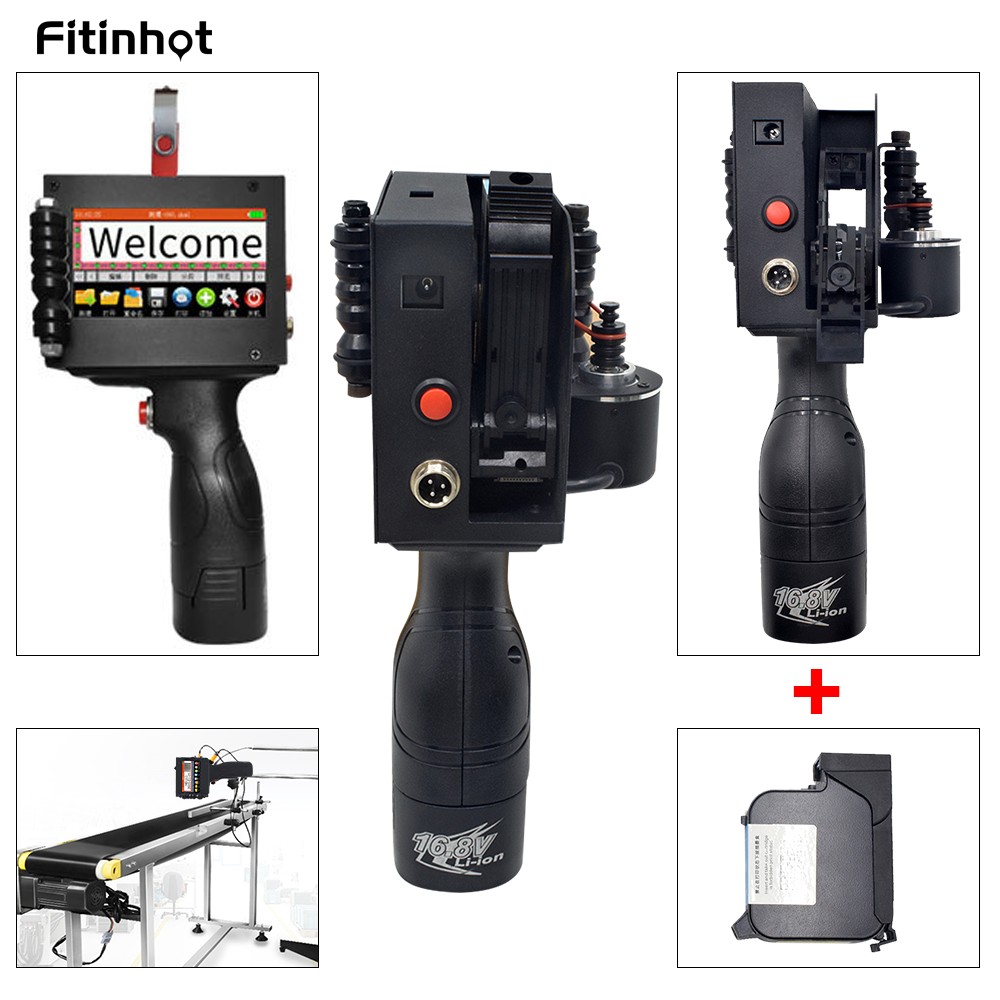
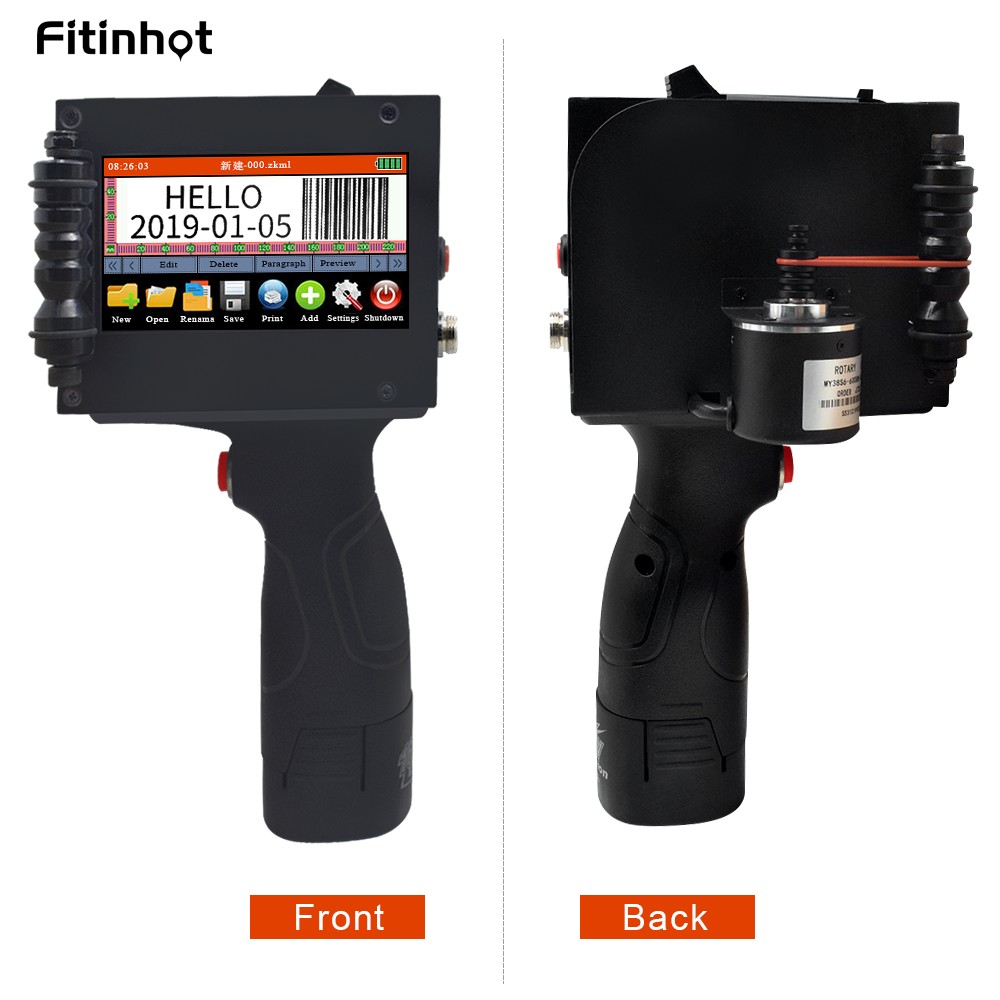
We also offer the Bracket, Conveyor and Ink for this printer, if you need it, please check below picture.


(Please choose the machine language types when you place the order)
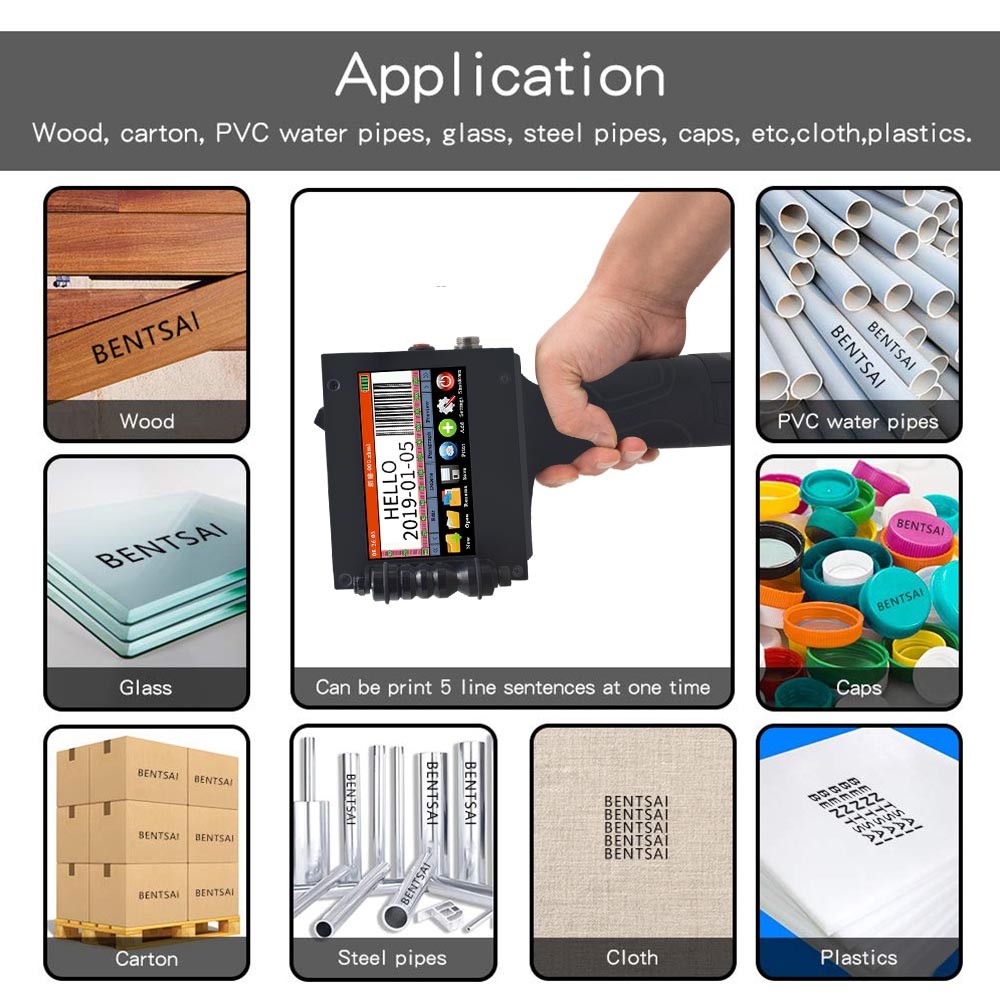
Application: Can be applied to the printing of pipes, cartons, iron sheets, plastics, glass, alloy steel, tin foil materials etc.
1. Shipping list:
1* Handheld printer
1*Fixed plate
1*Black ink cartridge (If you need other color ink, pls contact with service@fasttobuy.com.Thanks)
1*User's manual
1*U disk
1*Touch screen pen
3*Rubber band
| Name | Handheld inkjet printer | |
| Model | SG-HP-25.4 | SG-HP-25.4S |
| Printing height | 2-25.4mm (adjustable) | |
| Printing distance | 2-5mm (distance between nozzle and spray surface) | |
| Printing accuracy | 300DPI | 300/400/600 DPI (adjustable) |
| Cartridge capacity | 42ML | |
| External interface | USB, photoelectric interface, charging interface | |
| Support font | 20 kinds | |
| Support language | 3 languages | 12 languages |
| English, Simplified Chinese Traditional Chinese | English, Spanish, Portuguese, Russian Italian, Turkish, French, Arabic, Japanese, Korean, Chinese, Traditional Chinese, |
|
| Support printing | Text, image, barcode, date, count, table | |
| Screen | Resistance screen (using a touch screen pen) | |
| Working environment | Temperature: 0~45°C, humidity: 40~60% Rh | |
3. Advantage:
(1). 4.3 inch high color color resistance LED screen, metal case.
(2).Printable font height: 2mm-25.4mm adjustable.
(3).Can print: text, image, barcode, date, count, table.
(4).Support Simplified Chinese, Traditional Chinese, English.
(5).Use 42ML quick-drying ink.
(6).Can be printed manually, automatically.
(7).The machine outputs the printed content, or the U disk is imported.
5. Technical Support:
If the ink cartridge is not used, it must be covered with a cover. After the ink cartridge is torn open and sealed, it is best to use it within 3-4 months.
6. Questions & Answers :
Q: How high can I print the font?
A: The print font height is 2-25.4mm, and the length is not limited.
Q: How to install the ink cartridge?
A: The ink cartridge is installed and the machine is turned off. Open the cover of the ink cartridge and align the ink jet port of the ink cartridge with the print surface. Install it up and lock the cartridge. Remove the ink cartridge from the machine after use and cover the ink cartridge with the cover.
Q: After the ink cartridge is used up, can it be added quickly?
A: Yes, our original ink cartridges are available for sale. If you need more ink cartridges, you can visit our store.
Q: How long does it take to dry the ink?
A: Generally 3S is needed, but for some glasses, printing on plastic may require 5-6S.
Q: What is the print distance of the machine?
A: The distance of the print from the nozzle is 2-5 mm.
Q: The font is not clear when printed, and the ink is blurred.
A: It is not necessary to pressurize the inkjet machine when printing. It is only necessary to place the inkjet machine on the plane to be printed, and then the inkjet printer does not need to move the ink.
Q: Can I print on an uneven surface? Can you print a bottle, for example?
A: Yes, but it needs to be used with the fixing plate when it is used (the fixed plate is sent)
Q: What should I do if the font appears unclear?
A: 1. First determine if the distance is too far, too far, the font will be unclear.
2. Confirm that the ink cartridge has ink.
3. In the machine setup, adjust the inkjet outlet (there are two left and right inkjet ports) and design the inkjet frequency.
4. In the print setup. If the first three do not work, the ink cartridge is blocked and the alcohol is used to clean the inkjet.
Q: Can the font size be adjusted? Do I need to print LOGO to achieve it?
A: The font size can be adjusted. Print LOGO can use the U disk to insert pictures. Image pixels must not exceed 150*150. Monochrome images, pictures in bmp format.
Q: When I print, I need to print the QR code, text, time, and logo at the same time. Can it be achieved?
A: Yes. These can all be achieved.
Q: I want to confirm, how much can I print in one minute?
A: If using hand-held printing, in the skilled case, the print tray can be printed 60 times in 1 minute. If you print automatically using a pipeliner, you can print 90 times in 1 minute.
Q: What functions can this printer implement?
A: There is also a counting function, which can set the count and automatically print different count numbers for each print product.All Products from the factory will be provided for one year warranty after sales and lifetime technical support.
7. Application show:


Tell us what you think about this item, share your opinion with other people. Please make sure that your review focus on this item. All the reviews are moderated and will be reviewed within two business days. Inappropriate reviews will not be posted.
Have any question or inquire for this item? Please contact us. Our customer representative will get back shortly.


Copyright © 2011-2026 FastToBuy.com - Industrial Automation Online Store. All Rights Reserved.
NOTE: Stock and Availability shown on this site is for your reference only. While we strive to provide the most accurate and timely stock and availability information, availability information may become out of date and may change between the time you added an item to cart and the time your order is received. Quantities on clearance items are limited. Prices are current at time of posting. FastToBuy Industrial Automation Online Store Reserves the right to change prices at any time without notice.